
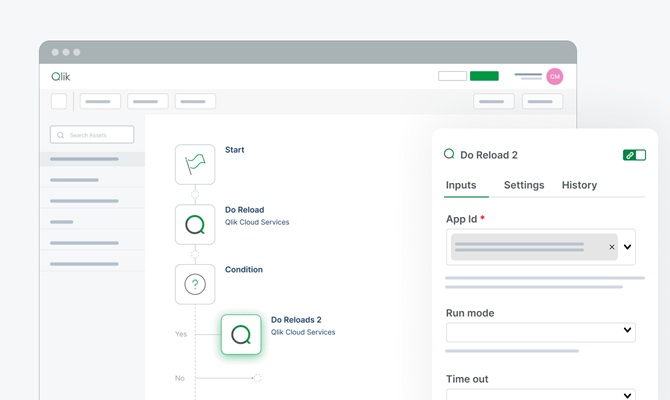
Don’t just discover insights – act on them instantly. Qlik Automate is a no-code visual builder within Qlik Cloud that closes the loop by triggering automated workflows between Qlik and hundreds of SaaS applications. By defining business rules, any data change or event automatically initiates a chain of responses across your core systems, eliminating repetitive manual tasks
See how Qlik Automate powers automated actions

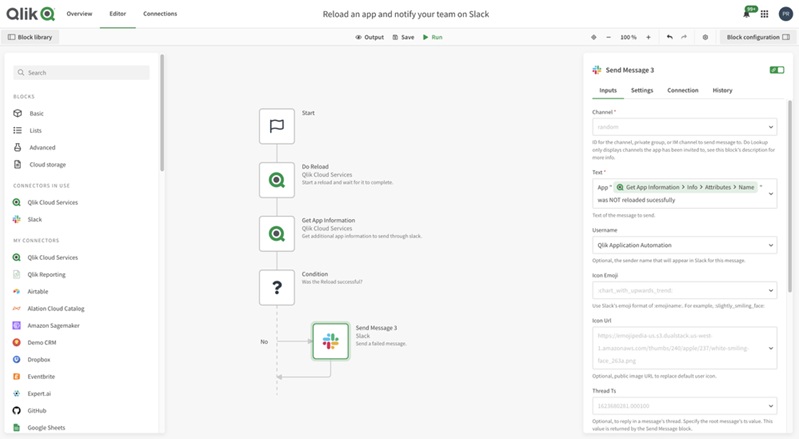
Fast, No-Code Workflow Design
- Simple Visual Interface: Build processes using a drag-and-drop feature, without writing code.
- Business Autonomy: Create automations independently of development teams.
- Streamlined BI Tasks: Gain full control over data reloads and management of Qlik environments.
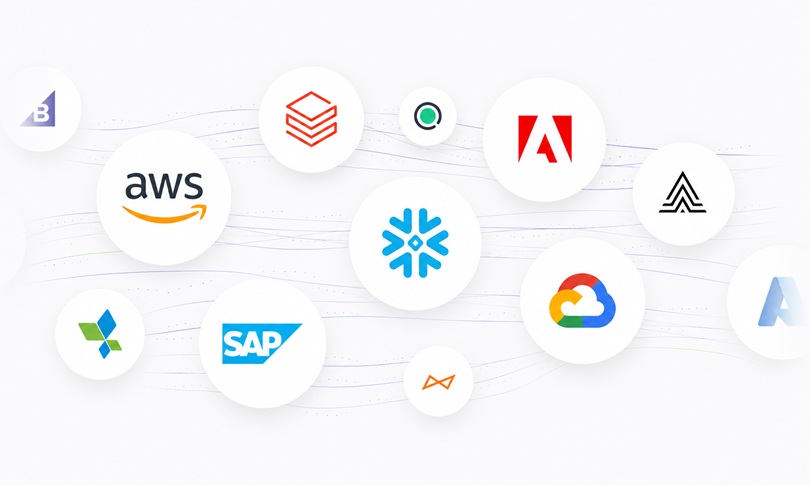
Seamless Integration Across Your Business Systems
- Hundreds of Built-in Connectors: Instantly integrate with systems like Salesforce, Teams, and ERPs.
- Seamless Data Synchronization: Translate insights from the Qlik engine into actions in operational systems.
- Development Savings: Create stable interfaces without the need to maintain complex API calls.
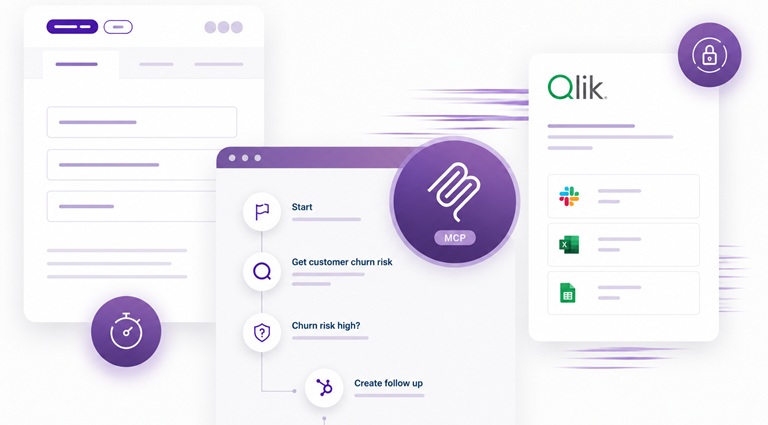
Real-Time Actions Triggered by Data
- Closing the Loop (Insights to Action): Transition from an analytical insight to field execution immediately.
- Write Table Support: Edit data and approve steps directly from the dashboard.
- User-Driven Triggers: Automatically update source systems in response to human actions.
Ready to get more from your data?
How Organizations Drive Results with Qlik
Sales & Customer Service

Sales & Customer Service
Multi-Channel Alerts

Multi-Channel Alerts
Automate IT and DevOps tasks

Automate IT and DevOps tasks
Eliminate manual tasks. Automate your processes
Let’s talk. Leave your details below
FAQs
No. The system is built on a strict no-code approach within Qlik Cloud. Offering a visual drag-and-drop block interface, it allows users without a technical background to build and manage advanced automation processes without writing code or dealing with API configurations.
Standard alerts only notify you that something happened in your data. Qlik Automate takes the information a step further: the system can trigger a chain of corrective actions in third-party systems (like opening a Jira ticket or updating a CRM) and keep the right people involved in the decision-making process (Human-in-the-loop).
You have full control over the timing (Flexible Triggering Options). Workflows can run on a fixed schedule, as a result of an internal event in Qlik (like the successful completion of an app data reload), through an external API call, or by proactively clicking a button on the dashboard.